What is WPO?
Web Performance Optimization is a strategy focused on improving the speed and efficiency of a website.
It focuses on optimizing the loading of web pages so that they load faster and provide a smoother user experience. This includes image optimization, resource compression, content caching and other techniques to reduce load time.
WPO is critical to ensure that site visitors have a positive experience and to improve search engine rankings, as site speed is an important factor in search ranking.
Is my WordPress running slow?

If you are wondering if your WordPress website is running slow, it is essential to consider several factors that can affect the loading speed. Some of the common reasons may be:
- Inadequate hosting: A low-quality hosting provider or shared hosting plan can limit the speed and performance of your site. Consider upgrading to a faster hosting or VPS plan if necessary.
- Excessive plugins: Too many active plugins, especially those that are poorly coded or redundant, can slow down your site. Disable or remove unnecessary plugins and opt for those that are well optimized.
- Heavy theme: A WordPress theme with inefficient code or full of unnecessary features can negatively affect speed. Use a lightweight, well-optimized theme.
- Unoptimized images: Unoptimized images are a common cause of slow performance. Compress and resize your images before uploading, and consider using an image caching or lazy loading plugin to improve performance.
- Lack of cache: Not having a proper caching solution can slow down every page request. Install a caching plugin like WP Super Cache or W3 Total Cache to speed up content delivery.
- Inefficient database: A disorganized database or one filled with unnecessary records can affect performance. Use plugins like WP-Optimize to clean and optimize your database.
- Too much external content: The inclusion of social media widgets, embedded maps and other external elements can increase load time. Consider reducing their use or implementing asynchronous loading strategies.
- DNS misconfiguration: A bad DNS configuration can cause delays in domain name resolution. Make sure your DNS configuration is optimized.
- Outstanding updates: Not keeping your WordPress, themes and plugins up to date can lead to security and performance issues. Keep everything updated on a regular basis.
To determine the exact cause of slowness on your WordPress site, you can use performance measurement tools such as Google PageSpeed Insights, Lighthouse, GTmetrix or Pingdom.
Why are our websites intelligent, fast and effective?
Web performance measurement tools
These tools are essential for evaluating and improving the speed and efficiency of a WordPress website. By using them regularly and applying the recommendations they provide, you can ensure that your site offers a fast and satisfactory user experience.
- Google PageSpeed InsightsProvides scores and suggestions to optimize the loading speed of your website.
- Lighthouse: Browser extension that evaluates the performance and quality of a website, providing recommendations for improvement.
- GTmetrix: Evaluates load time and provides detailed recommendations to improve speed and performance.
- PingdomPingdom : Measures the loading time and shows the elements that slow down your website.
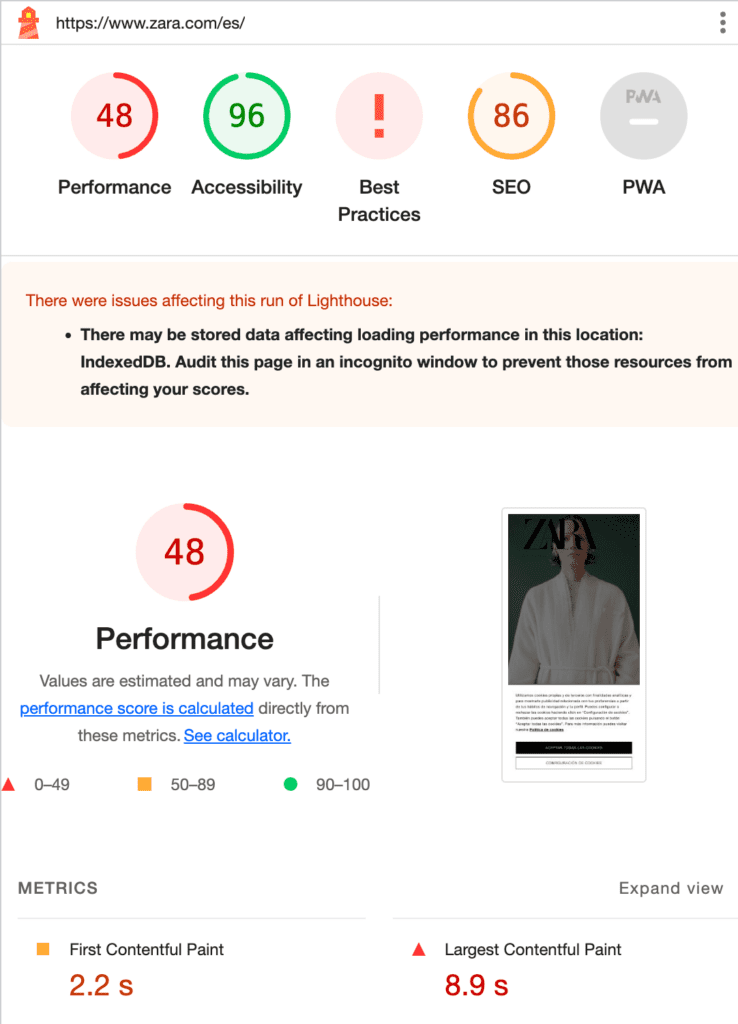
Tips for using these tools:
- Perform regular tests to maintain good performance.
- Prioritize the most impactful and easy-to-implement recommendations.
- Use the resources provided by the tools to improve your site.
How to optimize WPO for WordPress?
1. Choose a fast and reliable hosting
- Opt for a quality hosting that offers optimized servers for WordPress.
- Consider a managed hosting plan, as they often include performance optimizations.
2. Use a light and optimized theme
- Select a WordPress theme that is fast and well coded.
- Avoid themes that include too many unnecessary features.
3. Optimize images
- Compress and resize images before uploading.
- Use an image optimization plugin such as Smush or EWWWW Image Optimizer.
- Implements lazy loading to load images only when they are viewed on the screen.
4. Use a cache plugin
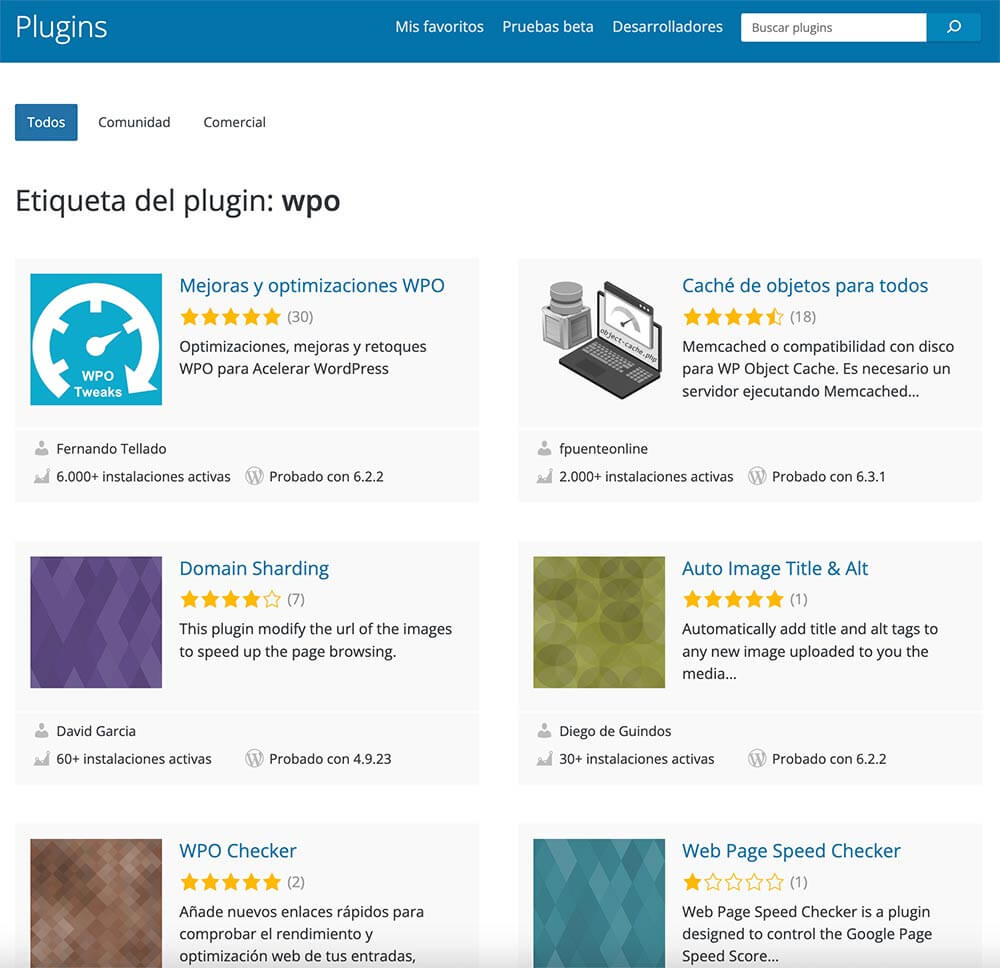
- Install a caching plugin such as WP Super Cache, W3 Total Cache or WP Rocket.
- Configure the plugin according to the recommendations for your site.
5. Minimize and combine CSS and JavaScript files
- Use a code optimization plugin, such as Autoptimize, to minimize and combine CSS and JavaScript files.
- This reduces the number of requests to the server and speeds up page loading.
6. Optimize the database
- Use a database optimization plugin, such as WP-Optimize, to clean and optimize your database regularly.
- Eliminates revisions of publications and unused items.
7. Implement a CDN (Content Delivery Network)
- Use a CDN to distribute your static content (images, CSS and JavaScript files) from servers close to visitors, reducing latency and improving loading speed.
8. Reduce HTTP requests
- Minimize the number of HTTP requests on your site by reducing the number of elements loaded on a page.
- Use the item inspector in your browser or online tools to identify unnecessary requests.
9. Enable GZIP compression
- Enable GZIP compression on your server to compress files before sending them to the user’s browser, which reduces loading time.
10. Use optimized web fonts
- Choose web fonts that are light and load quickly.
- Limits the use of custom fonts to reduce server requests.

11. Update and maintain your WordPress, themes and plugins.
- Keep your WordPress and all components up to date to take advantage of the latest optimizations and security fixes.
12. Continuously monitors performance
- Use performance measurement tools such as Google PageSpeed Insights, GTmetrix or Pingdom to regularly track your site’s performance.
- Make adjustments and improvements as needed.
The benefits of WordPress optimization on Google rankings
Web performance optimization (WPO) of your website is beneficial to Google for several key reasons. First, an optimized site loads faster, which improves the user experience and reduces bounce rates, a factor Google takes into account when ranking sites.
In addition, Google values mobile accessibility, and proper optimization ensures that your site works efficiently on mobile devices. Reducing server load, using caching and delivering content through a CDN are also practices that Google rewards, as they improve speed and content delivery.
WPO not only benefits the user experience, but also complies with Google’s standards and preferences, which can translate into a better ranking in search results and improve your website’s visibility.
Do you want your website to be faster and more efficient? With our experience in WordPress, we can make your site fly high on the Internet. Speed problems? Heavy images? Slow database? At Reinicia we know how to fix it. So, if you’re looking for a faster and happier website, we’re your Team!


