Content marketing is a fundamental pillar for building digital identity and a valuable tool for persuasion to be effective. Offering relevant content through infographics, videos, images, presentations or podcasts, which in some way complement and enrich the information given, has a greater potential to attract the audience. Undoubtedly, audiovisual content has become an essential part of any digital marketing strategy.
How to create images with value for our content marketing?
There are many free online banks of images and/or videos and specific cloud platforms to create templates with your designs.
Infographics show a large amount of information in a single glance through graphics or attractive elements and are usually quite effective in social networks.
1. Free image banks
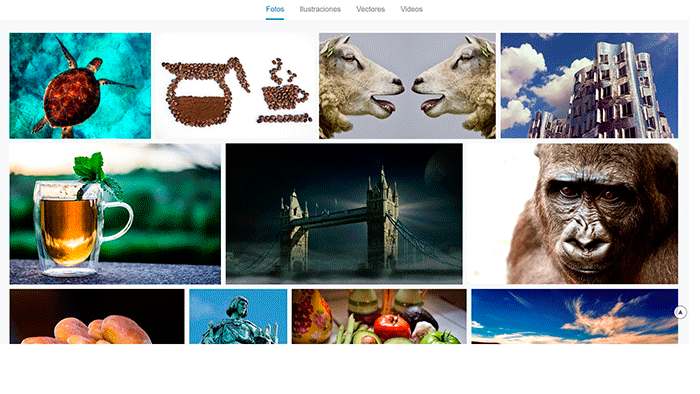
Pixabay: Here you will find royalty-free and high quality images of all kinds. You have different possibilities to download resources, not only images, such as vectors and videos. It has a very simple interface and stores a large amount of content. In addition, even if you do not find exactly what you are looking for, it can always serve as inspiration.
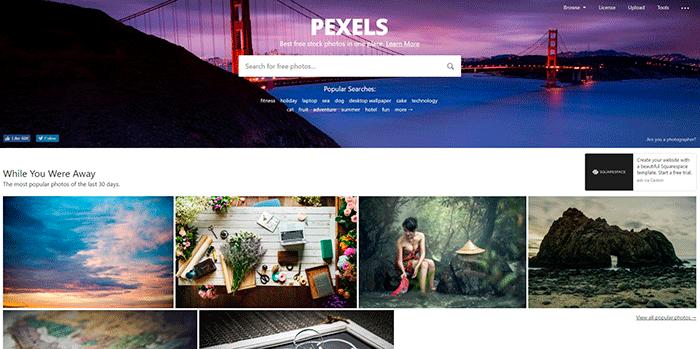
Pexels: Excellent images from a community of photographers. It is easy to navigate and find photos of various themes. By selecting each image you can see the details of it and even the camera and the technical characteristics of the moment of the shot (interesting if you are starting in the world of photography).
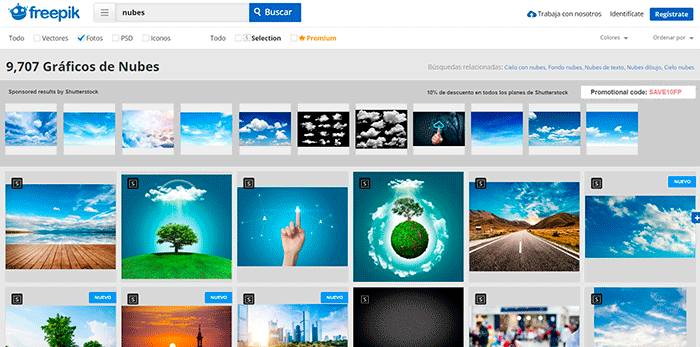
Freepick: Images, vectors, icons… thissite has it all! Exclusive and original graphic content. The only requirement to use it is to include the attribution of the author of the design, either for personal projects, publishing on a website or social networks.
Flaticon: It’s from the same creators of Freepik, with over 20,000 icons available and in various formats (TTF, WOFF, EOT and SVG). The best thing about this site is that it has a plug-in for Photoshop that allows you to download the icons directly into the editing tool for instant use.
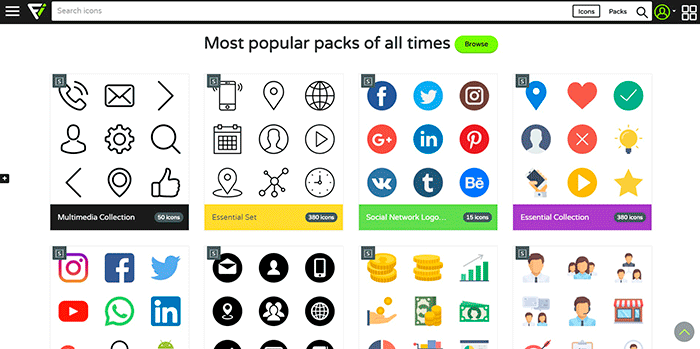
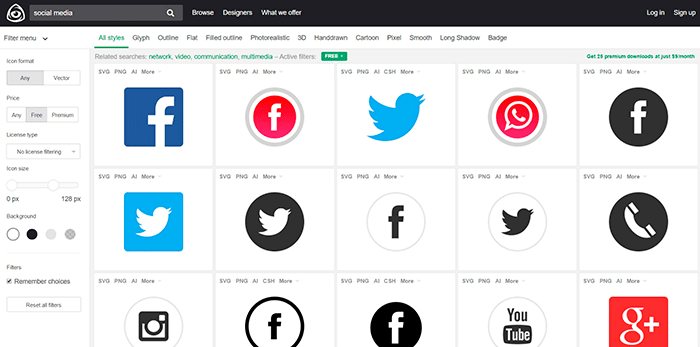
Iconfinder: Great variety of icons to download in different sizes and formats (SVG, PNG and more), similar to Flaticon in content and appearance. You can define several filters for your search, one of them is the possibility of finding free or premium icons. It also lets you define the type of license according to the use to be given to the icon.
Google’ s “Advanced Image Search” can be a very useful resource that (believe it or not) not everyone knows about, but they should. It allows you to use filters for your searches and offers results according to those defined filters. If your intention is to use it for an advertising campaign then you should select the filter “usage rights: that can be used or shared freely, even for commercial purposes”.
2. Free video banks
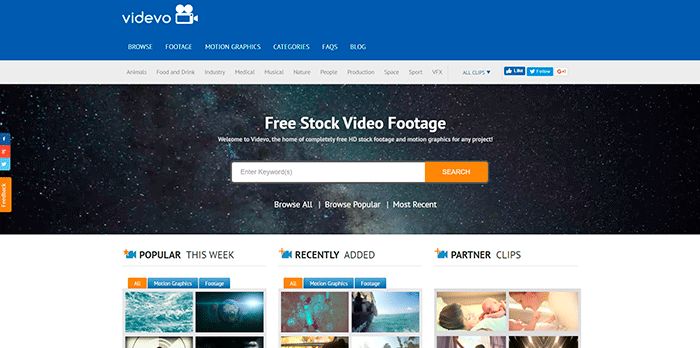
Videvo: HD videos of different themes. At first it can be a bit confusing because the first 2 lines of results are usually from ShutterStock (well-known paid image bank) but the videos below are all free to use and you won’t have any problem downloading them, no registration or any kind of data is required.
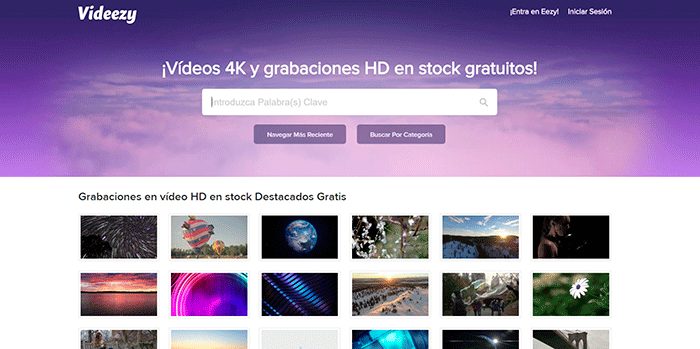
Videezy: It has free high resolution videos, even in 4k. It’s pretty similar to other content banks but it’s worth a look if you’re looking for royalty-free HD videos. You can start downloading now!
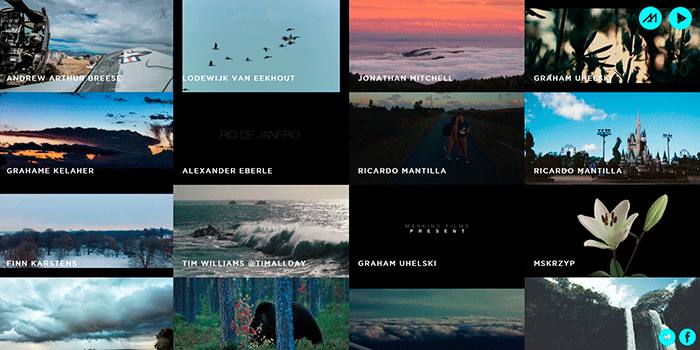
Mazwai: Another free-to-use video bank that is not as easy to use as the previous ones since it does not have a search engine. It shows you a network of videos that are divided by author not by categories, which can be a bit more tedious when it comes to finding something specific. On a positive note we must recognize that the content is generally very professional and quite artistic. You can certainly show off your projects by taking resources from here.
3. Online design tools
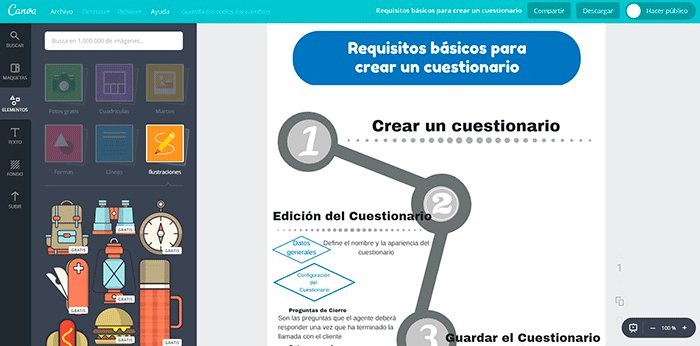
Canva: It offers a lot of options, such as the document format you want to work on, which will be different depending on whether it is a banner for social networks, a header for an email, etc. That is the first thing you will have to select. Then the range of possibilities is enormous, from different types of fonts, shapes, drawings, icons, colors, images, etc. to being able to upload your own images for editing your project. The search engine is very simple and easy to use. You only have to pay if you use the paid images, the rest of the designs and images are free to use and can be used for personal or commercial use.
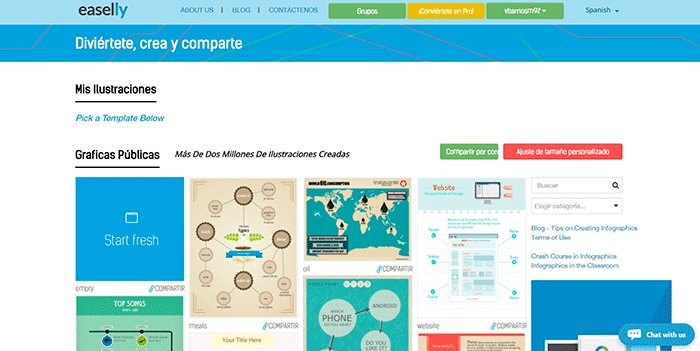
Easely: Like Canva, this online graphic design tool is ideal for creating infographics for free and can get us out of more than one trouble. At first it lets you choose from several templates with different designs from which to start, but if you want you can also start a new canvas where you can express your creativity and give free rein to your imagination.
These are just some of the tools we use the most at Agencia Reinicia but the Internet is full of options and we are sure there are many more we don’t know about, so feel free to comment on the post and tell us which are your favorite online tools for designing, editing or downloading content.


