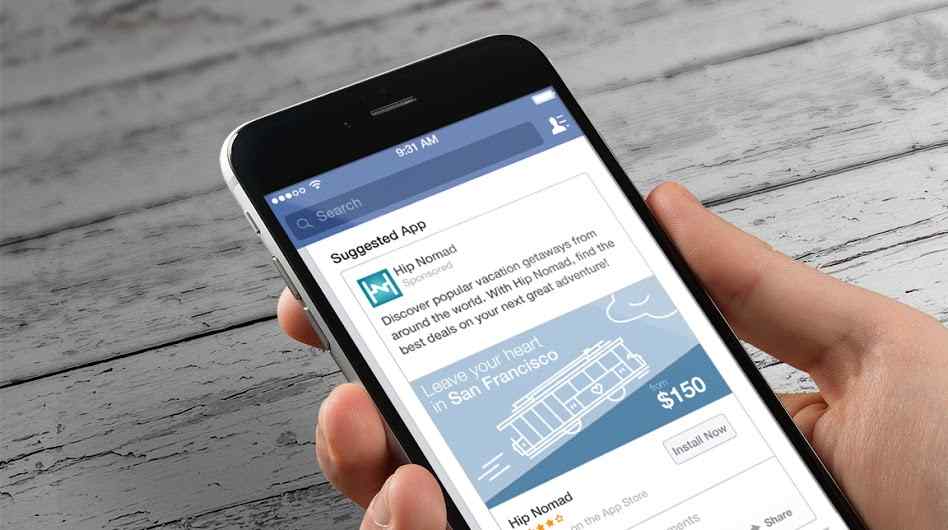
Congratulations! Your application is now published and ready for download. Any user can access it. But the downloads are not coming in. Some promotion is needed. Have you considered using Facebook? The world’s largest social network has a huge potential when it comes to promoting applications and the success rate is very high. Find out how to promote your application downloads on Facebook.
App download campaigns on Facebook
Installation of the Facebook SDK
As in any other marketing action nowadays, the success of a promoted Facebook or Instagram campaign is based in a good part on data measurement. If the data is reliable and well measured, the conclusions that can be drawn from that campaign are much better and as a consequence, it can be optimized in real time to be more efficient and effective.
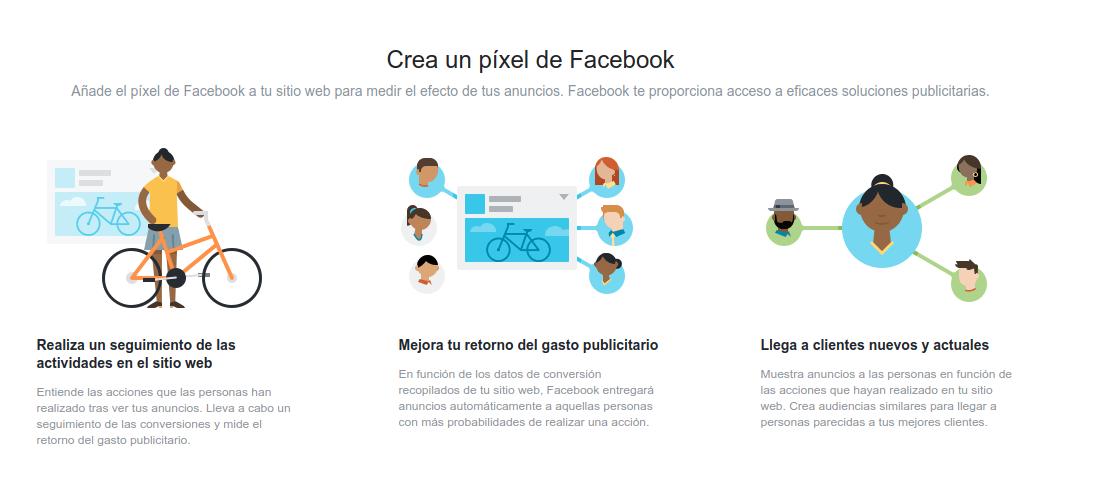
In the case of measuring clicks to the web, conversions or registrations on a particular site, the pixel is used, a code that is installed in the HTML of the web and allows Facebook to record these types of events very accurately. This data is what determines variables such as the spending rate of the campaign, the distribution of spending among different segmentations or simply to which user an ad is shown and to which one it is not.
In the case of apps, instead of a pixel we have the SDK, which must be installed in the app itself so that it can differentiate which users have downloaded the app as a result of an ad on Facebook or Instagram.
Once installed, the app promotion system is practically identical to that of any other campaign, with the peculiarity that the user, when clicking on the link, will not land on the web page, but in the default app store of their mobile (Google Play Store or the Apple Store in general).
How to promote app downloads on Facebook
The first thing to know is that Facebook not only allows you to run a campaign with the objective of downloading apps, but also to interact with the application. This is useful if, for example, we launch a first campaign on our target audience in order to get them to download the application.
But as we all know, downloading and testing an application does not imply that the user will use it, so in a second phase, we could launch a second ‘reminder’ campaign with the objective of interacting with the application. This is useful to encourage users who have downloaded the app to use it.
Another important detail of this type of campaign is the use of deep links. If we have communicated the ad with a specific message (for example, a specific bicycle model in our app for buying bicycles) through the use of deep links we can direct the user to download the app, and once they open it, it will show exactly the content with which we have captured a user, so that what they were interested in first is what they see in the app.
Segmentation in this type of campaign is fundamental. Through the use of the SDK and the creation of events, we can use the traffic of the campaign to make users return to use the application, users who have started the purchase but have left it halfway, segment by customer list or carry out a campaign to audiences similar to those who have already downloaded the app. The possibilities of segmentation within the app are very varied and that is why it is such an interesting resource to increase downloads, usage or simply sales through the application.
Format in app download campaigns on Facebook
At the ad level, an app download campaign is not much different from the standard ones. The call-to-action button may include something like Install or Use App.
Custom audiences are a good way to make the campaign more effective and efficient, so data measurement and analysis is very important in this type of campaign.