Index
Making sales decisions based on intuition is no longer enough. Today, companies that grow steadily are those that know how to read their data and act on it. Zoho CRM reports offer exactly that: a clear and actionable view of what happens at every stage of the sales process, from the first contact with a lead to the closing of a sale.
Key benefits of using analytics in sales
Having a sales analytics tool integrated into your CRM is not a luxury, it is a competitive advantage. Zoho CRM allows you to transform the volume of data generated by your sales team into useful, structured and easy-to-interpret information.
Analyze sales performance to set realistic targets
One of the most common mistakes in sales teams is to set goals without historical data. With Zoho CRM reports you can review performance by salesperson, by product or by period and detect what is working and what is not. This allows you to set achievable quotas aligned with the market reality, instead of arbitrary goals that demotivate the team.
Monitor team activities and maintain motivation.
Sales analytics is not only used to measure final results: it also allows you to track intermediate activities. How many calls are made, how many emails are sent, how many meetings are held. This level of detail helps managers identify bottlenecks in the process and provide support where it is most needed, before the problem affects the month’s numbers.
Analyze customer behavior to customize sales approaches
Analysis of historical data reveals behavioral patterns: which types of customers convert best, at what point in the cycle they tend to hold back, which objections are most frequent. With this information, the team can tailor their pitch and timing to increase the likelihood of closing. Zoho CRM’s sales analytics software allows you to segment this data in multiple ways to fine-tune your strategy.
Predicting future trends and allocating resources efficiently
Beyond retrospective analysis, Zoho CRM incorporates sales forecasting functions that allow you to anticipate the expected volume of business in the coming months. This is especially useful for planning team load, managing inventory or anticipating hiring needs. A good forecast avoids both overproduction and bottlenecks due to lack of capacity.
The 5 essential reports for sales management
Zoho CRM includes a large library of predefined reports and allows you to create the custom reports that each company needs. These are the five that no business team should be without:
Sales pipeline report
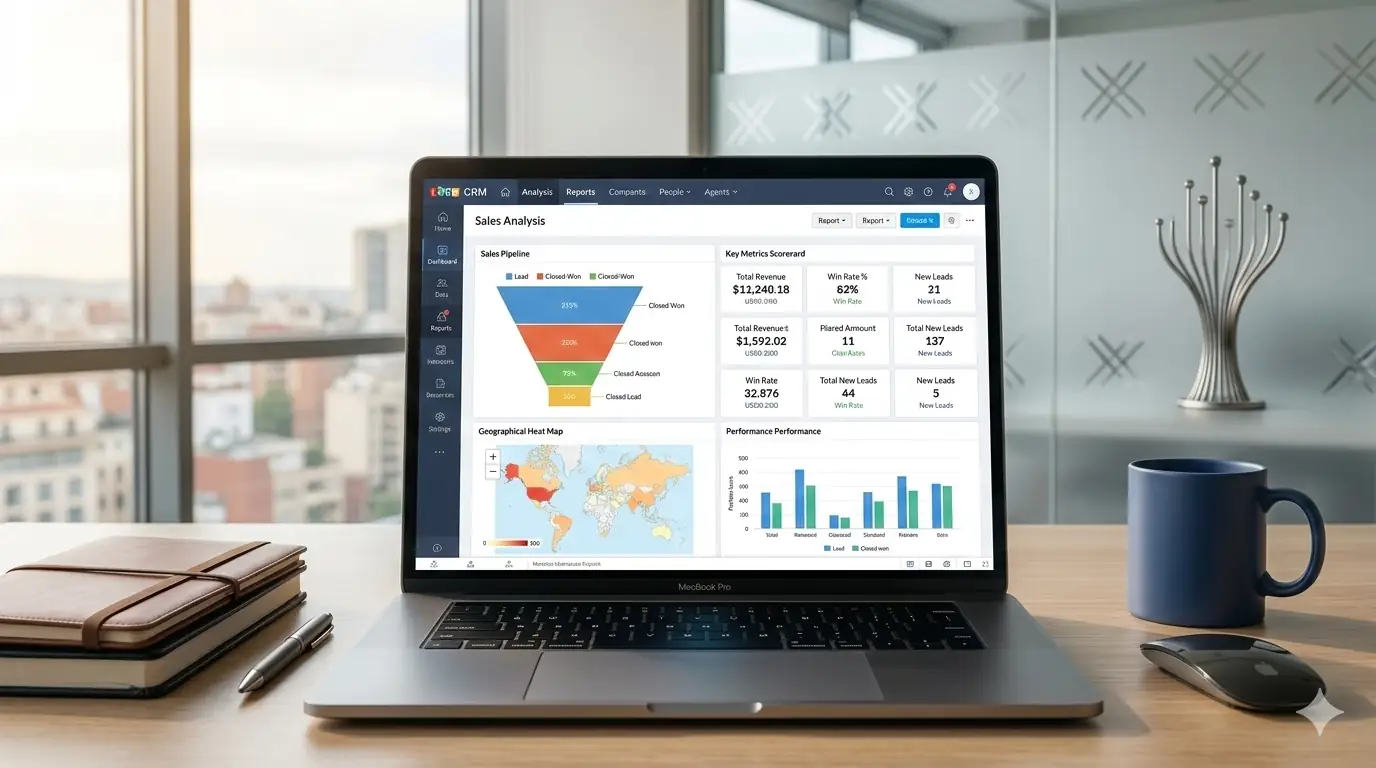
Displays the current status of all open opportunities, classified by stage of the process. It allows you to see at a glance how many deals are in play, what their potential value is and what stage they are at. It is the basic reference for any commercial manager to have a clear picture of the business in real time.
Lead conversion report
This Zoho report analyzes how many leads enter the system, how many advance to each stage and how many end up becoming customers. It is key to measuring the effectiveness of the acquisition process and to identify where you are losing the most volume. If the conversion rate is low at a particular stage, you need to review what is happening there.
Sales performance report
Compares the individual performance of each team member against their objectives. It measures not only closed sales, but also activities performed and cycle speed. Useful both to recognize good work and to detect who needs additional training or support.
Open Issues Report
It identifies opportunities that have not progressed for too long or that show red flags. This report is especially valuable for sales managers, as it allows them to intervene in time on deals that could be lost due to lack of follow-up.
Sales funnel analysis
Provides a global view of the flow of opportunities throughout the sales cycle. It allows you to compare performance between periods, detect seasonality and measure the overall health of the sales process. Combined with Zoho Analytics, this analysis can be taken to a much deeper level with advanced visualizations and cross-referencing of data from multiple sources.
Strategies for successful implementation
Having the reports is the first step. Getting the most out of them requires incorporating them into the team’s regular workflow.
Establish clear objectives for each report
Before activating a report, it is important to define what it will be used for and who will review it. A report without a clear owner or purpose ends up being ignored. Each report should answer a specific question: how much have we sold this month, who are the hottest leads, who is below their quota?
Review reports on a regular basis
Periodicity makes a difference. Daily reports are useful for operational follow-up; weekly reports are useful for adjusting tactics; monthly reports are useful for evaluating strategy. The important thing is to make the review a habit, not a reaction to problems that have already occurred.
Engaging the team
Data only generates change if the team understands and uses it. Sharing relevant reports with each person, explaining what they measure and how they affect their daily work increases engagement and the quality of the data fed into the system. A well-fed CRM produces reliable reports; a sloppy one, only noise.
Conclusion: Transforming data into sustainable growth
Zoho CRM reports are much more than charts and graphs: they are the basis on which to build a solid and adaptable commercial strategy. When used regularly and judiciously, they allow you to go from managing sales by intuition to doing it with real data.
If you want to implement these reports in your company or need help to get the most out of your CRM, at Agencia Reinicia we are an official partner and can accompany you every step of the way.
At Reinicia we are specialists in Chatbots
